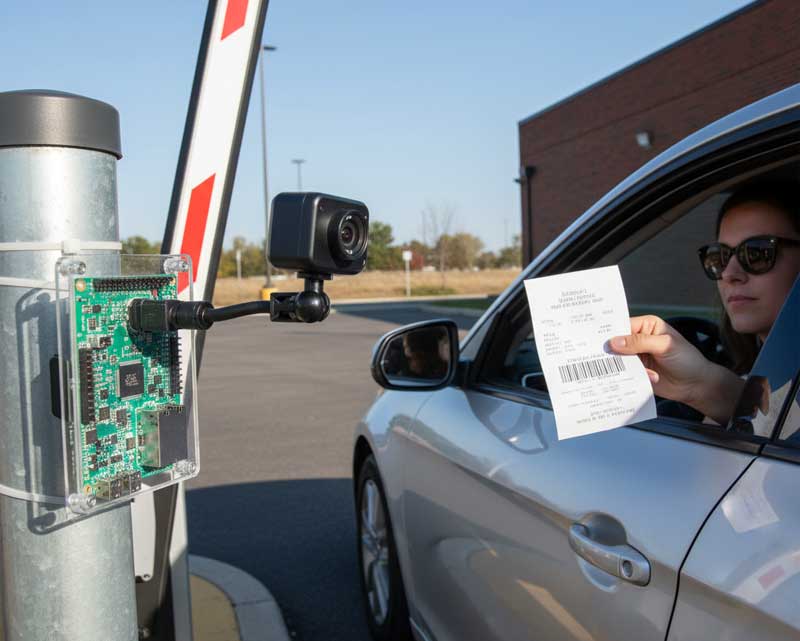

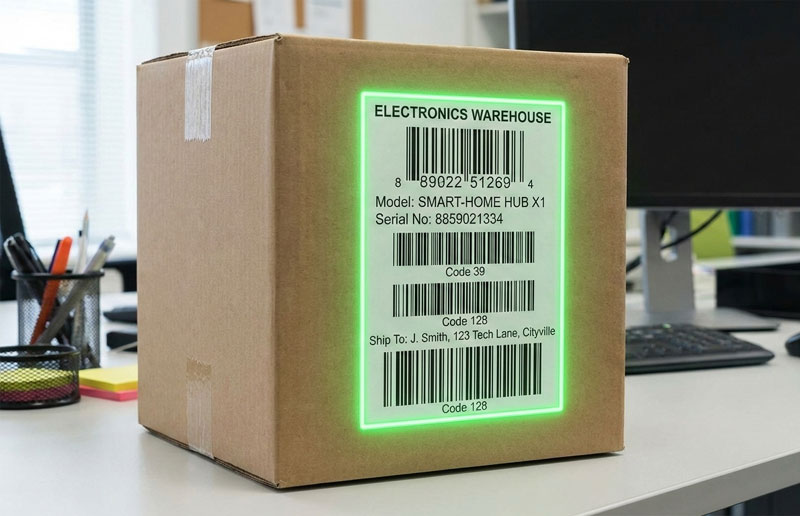
In the previous post, we explained how to decode only one barcode out of several. However, decoding all barcodes on a label can also be a challenging task.
You can either decode them one by one or set the required number of barcodes to be decoded within a single frame. However, there is no guarantee that all barcodes visible in the frame will be successfully decoded from just one frame.
That’s why we added a feature that allows barcodes to be collected across multiple frames. Barcodes that have already been decoded will not be decoded again.
For this purpose, our Web SDK provides the CollectBarcodes and CollectBarcodesTime settings.
Watch this short video to see how it works:
Click here to test it online:
https://websdk.datasymbol.com/applabel1/
Ready to get started?